


Make Kadaza Your Homepage in Opera
Follow the steps below to set Kadaza as both your homepage and startup page in Opera.






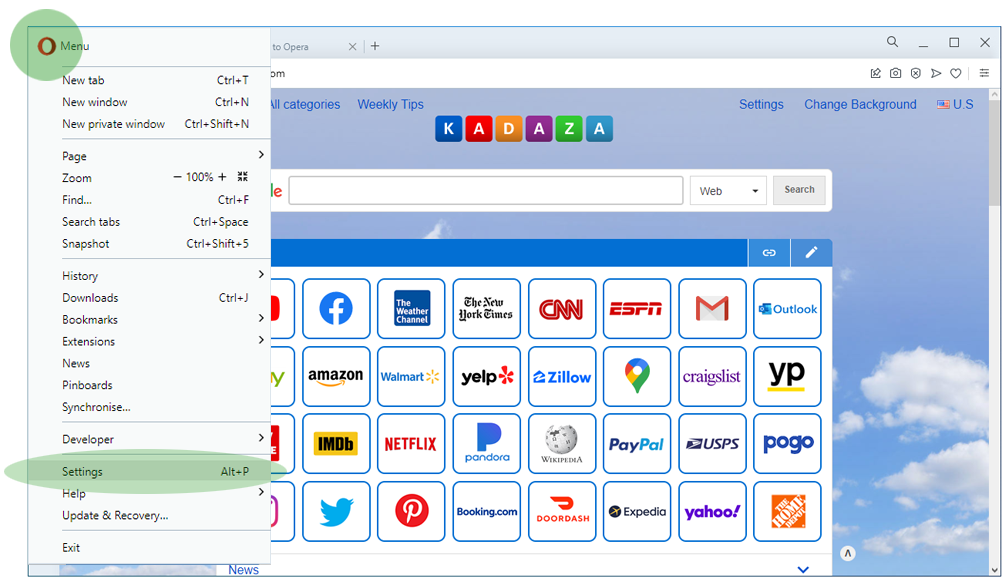
Step 1. Click on the Opera icon  in the top left-corner of the browser, then select Settings.
Step 2. Scroll down to the 'On startup" section and select "Open a specific page or set of pages".
Step 3. Select "Add a new page". Then type www.kadaza.com.au in the box and click Add.


