


Make Kadaza Your Homepage in Safari
Follow the steps below to set Kadaza as your homepage and have it open automatically when you start Safari on your Mac.







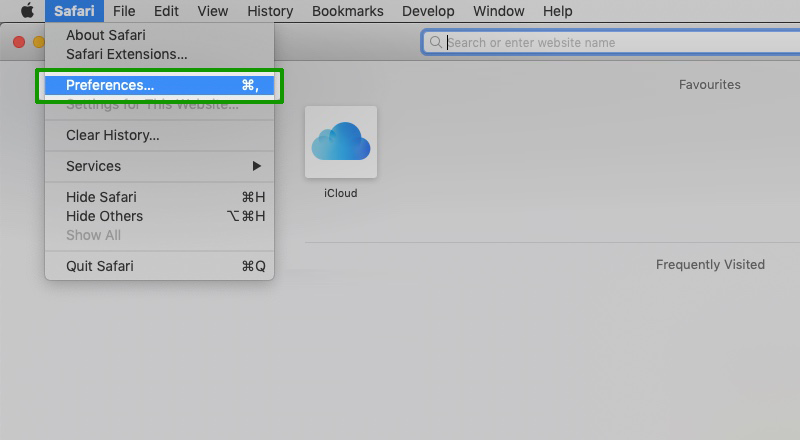
Follow the steps below to set Kadaza as your homepage and have it open automatically when you start Safari on your Mac.
Australian Homepage & Web Portal
Kadaza has been around since 2008 and displays the most visited websites in Australia, clearly organized by topic. You can add your favourite websites to the customizable start page. In addition, you can give the homepage your own style with background images and colours.


